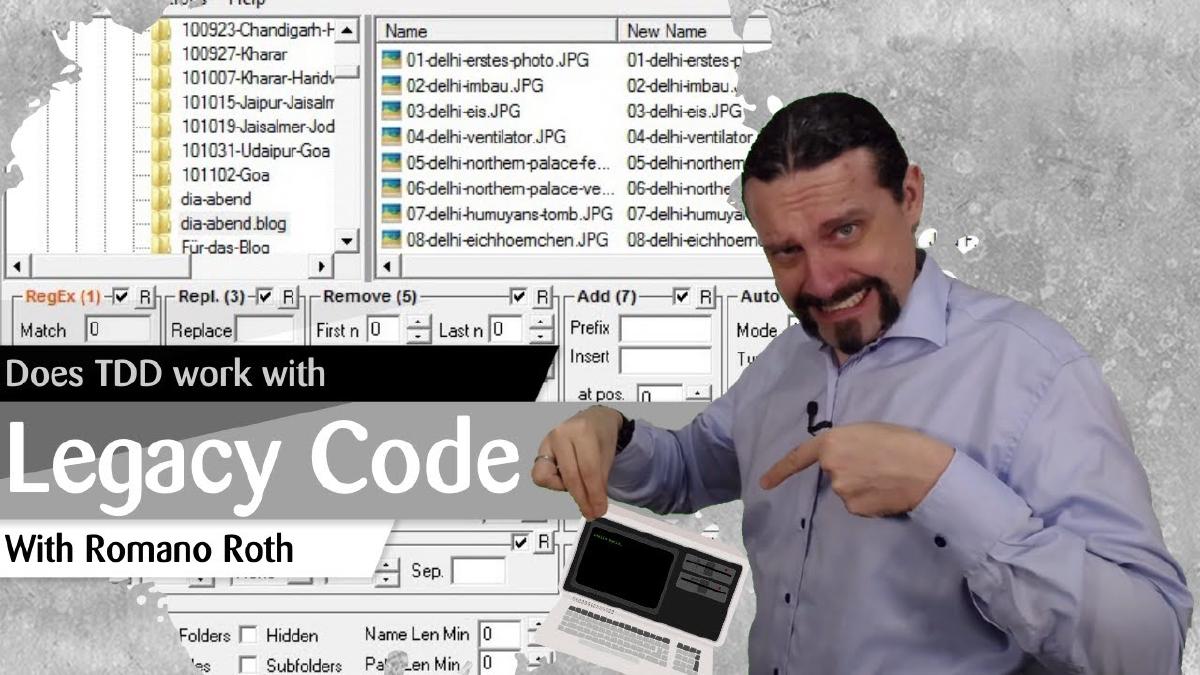
Does test-driven development work with legacy applications? That is a question I get a lot, and the short answer is yes. In this video I take a big, ugly WinForms application and walk through how I use TDD to add a new feature without touching the messy parts of the existing code. The goal is simple: show that the test-first mindset works even when the surrounding codebase has no tests at all.
The Starting Point: A Big, Ugly WinForms Application#
The application in the video is exactly the kind of code most developers deal with every day. It is a legacy WinForms application with plenty of settings and screens, no test project, and no test coverage to speak of. When I open it in Visual Studio and start it, it runs, but there is nothing in place that would give me any confidence if I changed something.
The task is deliberately small and realistic: add a new button to the form, and when the user clicks it, display a label with some text. That is exactly the kind of ticket that usually tempts people to skip tests altogether, because “it is only a button.” But that is where the pattern starts.
Rule Number One: Always Start With a Test#
The first thing I do when I use test-driven development is introduce a test. That rule does not change just because the application is legacy. Since this project has no test project yet, I add a new unit test project next to the legacy project and call it the big legacy project test. That is the first concrete step: give the legacy solution a place where tests can live.
Inside the test project I create a first test class. I do not start by writing production code. I do not start by dragging a button onto the form. I start by thinking about what the new behavior should look like from the outside.
Designing the Backend From the Test#
Before I touch the WinForms UI, I decide that the new functionality will live in a separate class called Backend. The UI will eventually call into it, but the tests will drive its design.
So I rename the test class to BackendTest and write a test method for it. In the test, I arrange a new Backend, act by calling an OnClick method, and assert that the result equals "hello world". I add the classic arrange, act, assert comments to make the intent of the test obvious.
At this point the Backend class does not exist yet, and the test project does not even have a reference to the legacy project. That is fine. The compiler errors tell me exactly what to do next: create the Backend class in the legacy project, make it public, and add a project reference from the test project to the legacy project so that the test can see it.
This is the key shift in mindset. In a legacy application, the temptation is to open the form designer, drop the button, and wire things up. With TDD, the test is what pulls the new code into existence, one small step at a time.
Red, Green, Refactor in Practice#
From there the loop is the classic red-green-refactor cycle.
First red: I run the test, and it fails with a NotImplementedException because Visual Studio generated a stub for OnClick that throws. That is exactly what I want. A failing test is proof that the test actually runs and actually checks something.
Then green: I change OnClick to return "hello world". I intentionally make a small mistake first and return "hello world!" with an exclamation mark. I run the tests again and they stay red, because the expected value does not include the exclamation mark. I remove it, run the tests again, and now they go green. That tiny detour is useful. It proves the assertion is really comparing the strings.
Then refactor: with a green test in place, I can look at the OnClick method and clean it up with confidence. The test will tell me the moment I break the behavior.
Wiring the Legacy UI to the Tested Code#
Only now do I go back into the WinForms form and add the new button. I call it “Click me” and add a button click handler. Inside the handler, I instantiate the Backend and call OnClick, then write the returned string into label1.Text.
I say it clearly in the video: this is not beautiful code. Instantiating the backend directly in the click handler is not how I would leave it long term. But the important part is that the logic that produces the text lives in a class that is covered by a test. The ugly WinForms glue code is thin, and the behavior underneath it is safe.
I run all tests again, everything stays green, I start the application, click the button, and the label shows "hello world". The feature is done, and the legacy application now has its first real test.
What This Means for Legacy Projects#
The question at the beginning of the video was whether TDD can be used inside a legacy application, inside a rich client application, inside something built on WinForms that is genuinely ugly. The answer is yes. You do not have to refactor the whole codebase first. You do not have to wait for a big rewrite. You can add a test project next to what you already have, pull new logic out into a small, testable class, and drive that class with tests from day one.
The magic behind test-driven development is that you always start with a test. That is the test-first mindset. Once you adopt it, the state of the surrounding code stops being an excuse. Every new feature becomes an opportunity to grow an island of tested, trustworthy code inside the legacy application.
Key Takeaways#
TDD works on legacy code. A missing test project is not a blocker, it is the first thing you create. Add a unit test project next to the legacy project and start there.
Let the test pull the design. Decide what the new behavior should look like from the outside, write the test first, and let the compiler errors guide you to the classes and methods you need to create.
Keep new logic out of the UI. Put new functionality into a plain class like
Backend, and let the legacy UI call into it. The UI glue stays thin, and the logic underneath is covered by tests.Trust the red-green-refactor loop. A failing test, a minimal implementation that turns it green, and then a careful cleanup. Even a tiny mistake like an extra exclamation mark becomes a useful check that your assertions work.
Adopt the test-first mindset. The real shift is not tooling, it is always starting with a test. Once that becomes your default, TDD scales naturally from greenfield projects into the ugliest legacy applications.