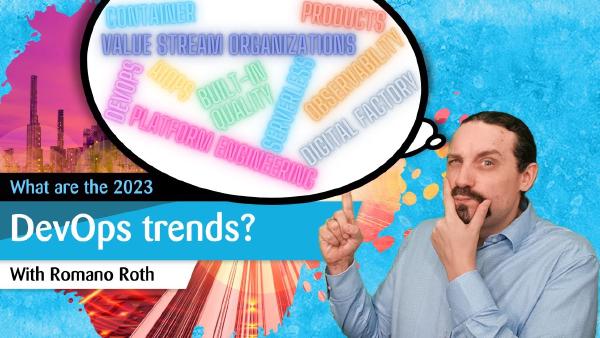
Two years of trend predictions later, the DevOps conversation has shifted. In 2021 we talked about adoption. In 2022 we mapped trends onto the adoption lifecycle. In 2023 the most useful lens is the value stream: how products get built, run, quality-assured, monitored, organised, enabled and industrialised end-to-end. Most organisations still suffer from silos and project-based annual planning. The 2023 trends are about closing those gaps.
by Romano Roth and Patrick Steger
This video series will show you how to build up an enterprise-ready DevSecOps Pipeline with GitLab and GitHub and compare the two platforms.
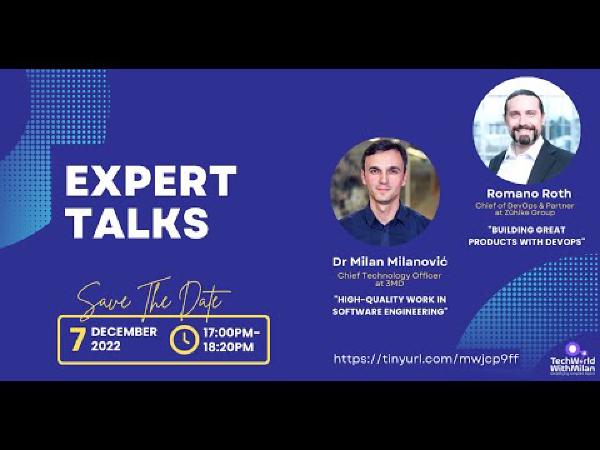
What defines high-quality work in software engineering? Is it Scrum? Clean Code? TDD? Functional programming? In this Expert Talks session, my colleague Milan and I present two complementary perspectives. Milan covers the pillars of high-quality engineering work, from team building and customer centricity to clean code and engineering culture. I then show how DevOps and continuous delivery help build great products by moving from a project mindset to a product mindset.
In every project, every company, every department, there is a Game of Thrones being played. Power plays between people, teams, and departments that result in massive conflicts. In this talk, I share why these conflicts exist, what strategies you can use to survive them, and how to stay healthy during difficult times. The Game of Thrones is played everywhere. It starts in kindergarten with the fight over a puppet and ends at your deathbed when descendants fight over your heritage.
I was invited to deliver the keynote at the Baloise OpenX Day, an internal conference where Baloise brings together their technology community. The session combined impulse presentations with interactive discussions, giving me the chance to share DevOps fundamentals and then hear directly from the teams about their real challenges. The conversations with the Baloise engineers were incredibly valuable, especially around topics like continuous deployment in regulated industries and the role of platform engineering.
After eleven sessions building a full DevSecOps pipeline with GitLab — from Software Composition Analysis to Container Scanning, SAST, Secret Detection, DAST, merge request integration, and scheduled pipelines — Patrick Steger and I close the series with our recommendations. What worked, what tripped us up, and what we would tell anyone setting out to build the same pipeline today.
Over ten sessions we wired six security tools into a GitLab pipeline that fires on every commit and every Merge Request. So are we done? Not quite. Code in production sits there for weeks or months, and during that time researchers keep finding new CVEs in the dependencies you are already shipping. In Part 11 of the GitLab DevSecOps series, Patrick Steger and I add a scheduled pipeline so the production branch gets re-scanned automatically — without anyone having to push a commit.
In the previous nine sessions Patrick Steger and I built a GitLab DevSecOps pipeline that runs SAST, secret detection, software composition analysis, container scanning and DAST. Useful — but only if it actually catches issues before they reach the default branch. In Part 10 we close that loop: we wire the pipeline into Merge Requests so every change is scanned, the deltas against the default branch are visible, and approvals are required when new high or critical vulnerabilities appear.
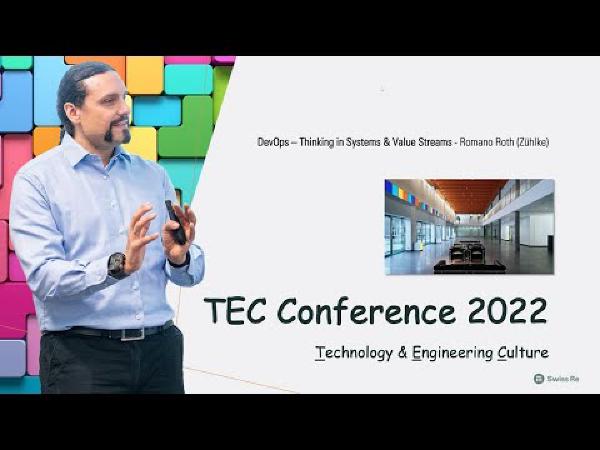
In this conference talk, I discuss one of the most fundamental topics in DevOps: thinking in systems and value streams. When I work with companies on their DevOps transformations, I consistently see the same patterns. The business has bright ideas. They write them into Word documents and Jira tickets. They throw them over a wall of confusion to development. Development builds something and throws it to testing. Testing compares what was specified with what was built (never quite the same), tests something, and throws it to operations. Operations asks “How can we operate that?” and somehow, with great effort, they get it running. Then the customer sees it and says: “What is that? That is not what we ordered.”
After eight sessions of adding scanners to our GitLab pipeline — SAST, secret detection, SCA, license compliance, container scanning, DAST — we now have a different problem. We have hundreds of vulnerability findings. In Part 9, Patrick Steger and I look at GitLab’s built-in Vulnerability Management: what it gives you, where it falls short, and how to actually triage findings without losing your mind.
Everything we have done in the GitLab DevSecOps pipeline so far has been static — analysis of source code, dependencies, containers and configuration. In Part 8, Patrick Steger and I cross the line into Continuous Delivery and add Dynamic Application Security Testing. DAST means we deploy the application, start it, and then attack it from the outside with an automated penetration testing tool. GitLab ships this capability out of the box, powered by OWASP ZAP.
Hard-coded passwords and API keys are still one of the most common ways credentials leak. They get committed by accident, stay in the git history forever, and only show up when someone is already exploiting them. In Part 7 of our GitLab DevSecOps series, Patrick Steger and I add Secret Detection to the same pipeline we have been growing — one line of YAML — and then look at what GitLeaks actually finds, what it quietly misses, and what to do about it.