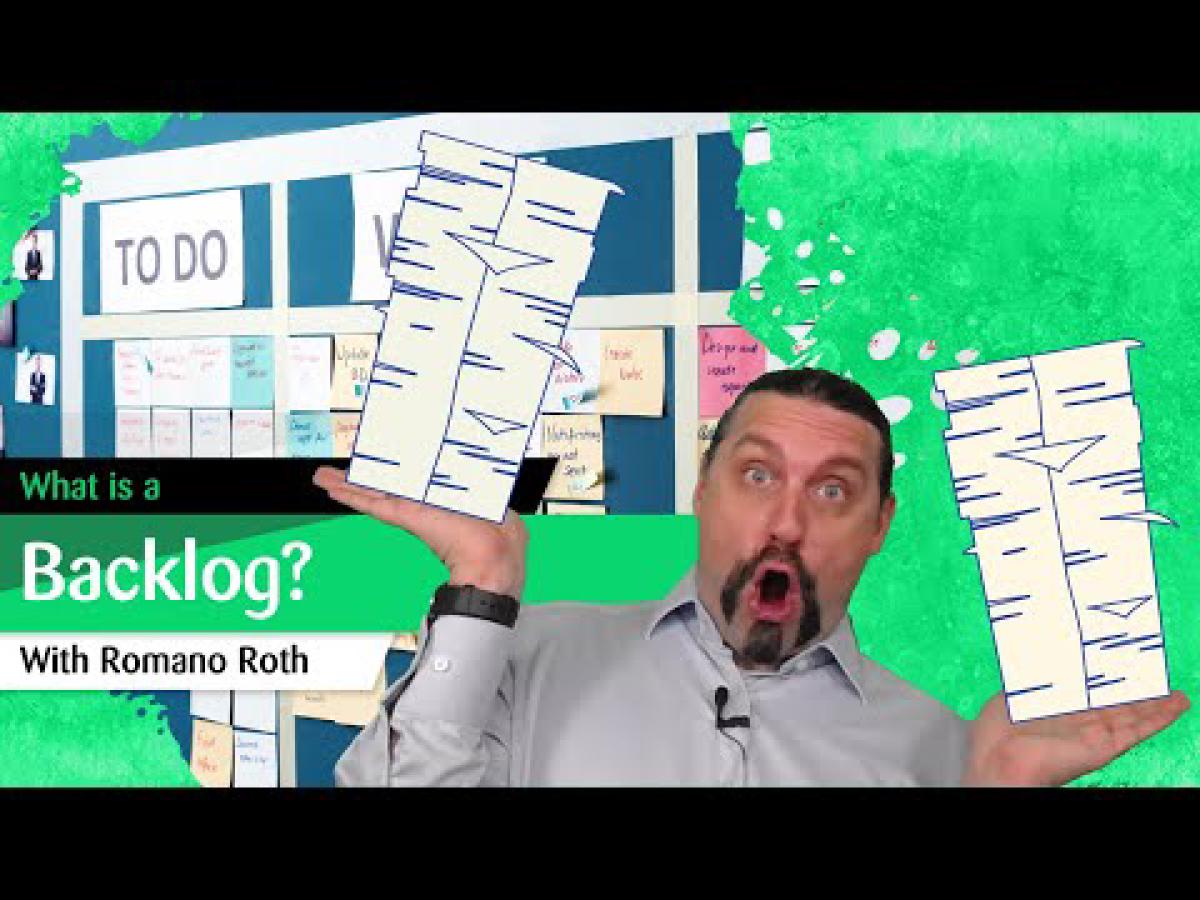
What is a backlog, and why is backlog management so important in agile software development? In this video, I break down the concept of a backlog, explain the difference between a product backlog and a sprint backlog, and show how tools like Jira support backlog management in practice.
The Backlog in its Simplest Form#
A backlog in its simplest form is just an ordered list of open work. On top, we have the most refined items. On the bottom, we have the undefined items. There are two main types of backlogs: the product backlog and the sprint backlog. If you are doing scaled agility, there is also the portfolio backlog, which I cover in a separate video.
The Product Backlog#
The product backlog is an ordered list of open work for a specific product. On top, we have the refined items. On the bottom, we have the less refined or not yet refined items. It consists of product backlog items, all of which are ordered. The items at the top are estimated.
The product owner takes care of the product backlog together with the team. A product backlog is always transparent and publicly available. The product owner prioritizes the product backlog items and has the final say about the priority. Because a product evolves, a product backlog is never complete. It evolves over time.
“A product backlog is never complete. It evolves over time, just like the product it represents.”
The Sprint Backlog#
A sprint backlog is a selection of product backlog items that go into a sprint. It is nothing more than a plan of the development team to deliver these product backlog items. The sprint backlog is completely owned by the development team. Only the development team can change the sprint backlog during a sprint.
I can already hear the complaints from the product owners out there who are basically project managers in disguise. Yes, if you want to be truly agile, the development team needs to own the sprint backlog. Only they can change it, together with the product owner if needed, but it remains a plan of the development team.
In its simplest form, a sprint backlog has three columns: “To Do”, “Doing”, and “Done”. You can make it as complicated as you like, but in the end, that is the core structure.
Tools for Backlog Management#
There are many tools out there for backlog management. When looking at the periodic table of DevOps tools, you find the relevant tools for single-team backlog management. Jira is one of the most commonly used ones. In Jira, you can see the product backlog at the bottom and the sprint backlog at the top, with items assigned from the product backlog into the sprint. Once you start a sprint, you work on the sprint backlog with its “To Do”, “In Progress”, and “Done” columns.
Key Takeaways#
A backlog is an ordered list of open work. Refined items sit on top, undefined items at the bottom.
Product backlog vs. sprint backlog. The product backlog covers all open work for a product. The sprint backlog is a subset selected for the current sprint.
The product owner prioritizes the product backlog and has the final say. The development team owns the sprint backlog.
A product backlog is never complete. It evolves continuously as the product evolves.
Keep it simple. A sprint backlog with three columns (“To Do”, “Doing”, “Done”) is all you need to get started.